Top 5 Best AI Chatbots in 2025
A concise, image-rich guide to the leading AI chatbots in 2025 — what each excels at, where they fall short, and quick picks based on common workflows.
How AI Chatbots Work
Modern chatbots are powered by large language models (LLMs) trained on vast text and code datasets. They generate responses token-by-token, guided by your prompt and any available context.
- Tokenization & next-token prediction: models predict the next token given previous tokens.
- Context window: limited memory per request; longer windows enable richer tasks.
- Retrieval-Augmented Generation (RAG): fetches relevant documents to ground answers.
- Tools & plugins: call external services (search, code execution, spreadsheets) to act.
- Guardrails & policies: prompt rules and classifiers reduce unsafe or off-topic outputs.
Benefits of Using AI Chatbots
- Boost productivity across research, writing, coding, and support.
- Provide 24/7 assistance with consistent, rapid responses.
- Scale knowledge delivery with citations and structured outputs.
- Personalize workflows via memory, custom instructions, or fine-tuning.
- Support multilingual and multimodal inputs (text, images, sometimes audio/video).
- Integrate with existing tools: docs, IDEs, CRM, analytics, and more.
1) ChatGPT (OpenAI)
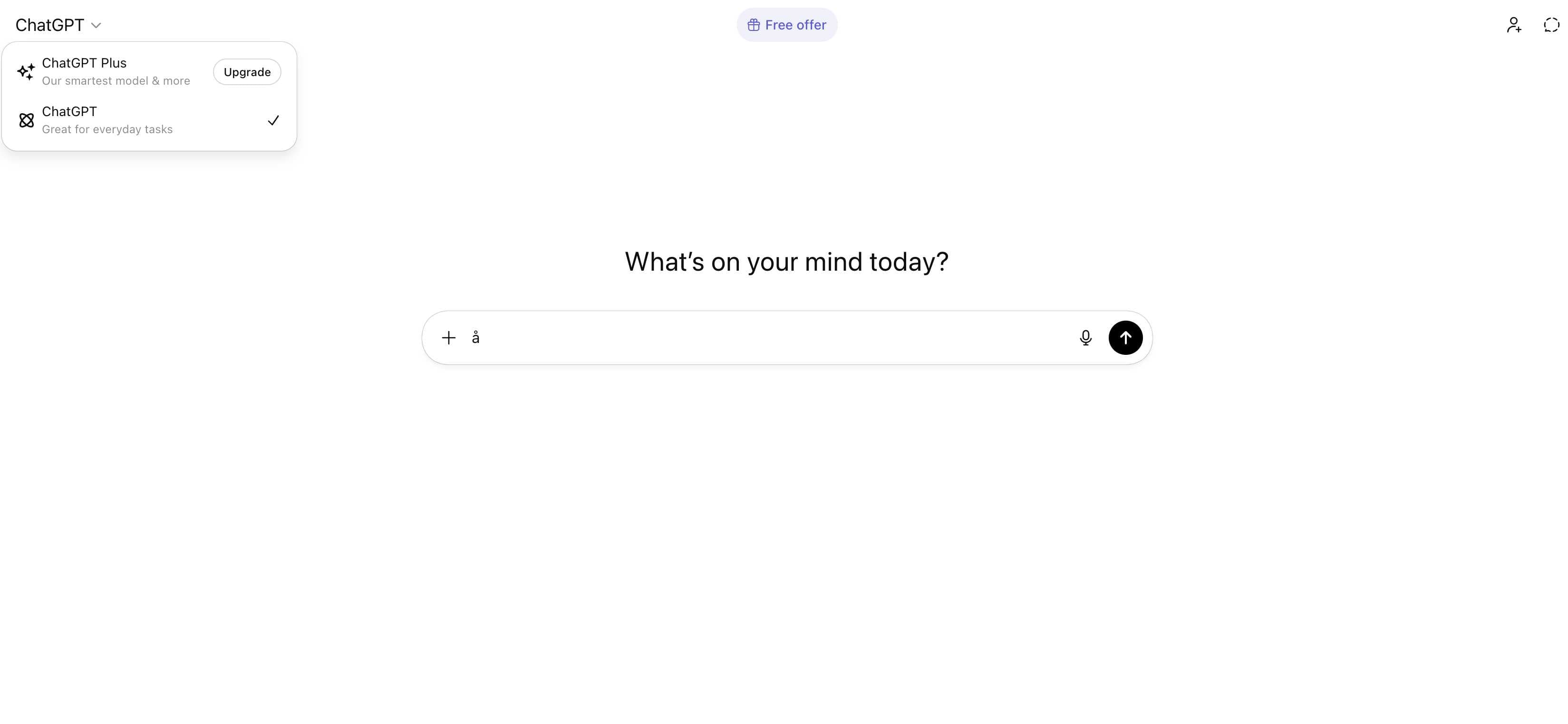
Best for: General-purpose work, prototyping, developer workflows, and conversational agents.
Key Features
- Advanced reasoning and high-quality code generation.
- Multimodal inputs and outputs for text and images.
- Structured outputs with JSON mode and function calling.
- Rich tools and marketplace ecosystem for automation.
- Flexible system prompts and model version controls.
Pros
- Strong reasoning and coding assistance across languages and frameworks.
- Rich ecosystem: tools, integrations, and extensive documentation.
- Fast iteration cycles with competitive multimodal capabilities.
- Reliable instruction-following for structured tasks and formats.
- Mature API and platform features suitable for production use.
Cons
- Closed-source with vendor lock-in concerns.
- Costs can grow quickly under sustained or high-volume usage.
- Behavior and quality can change across model updates.
- Sensitive data requires enterprise controls and careful handling.
2) Claude 4.0 (Anthropic)
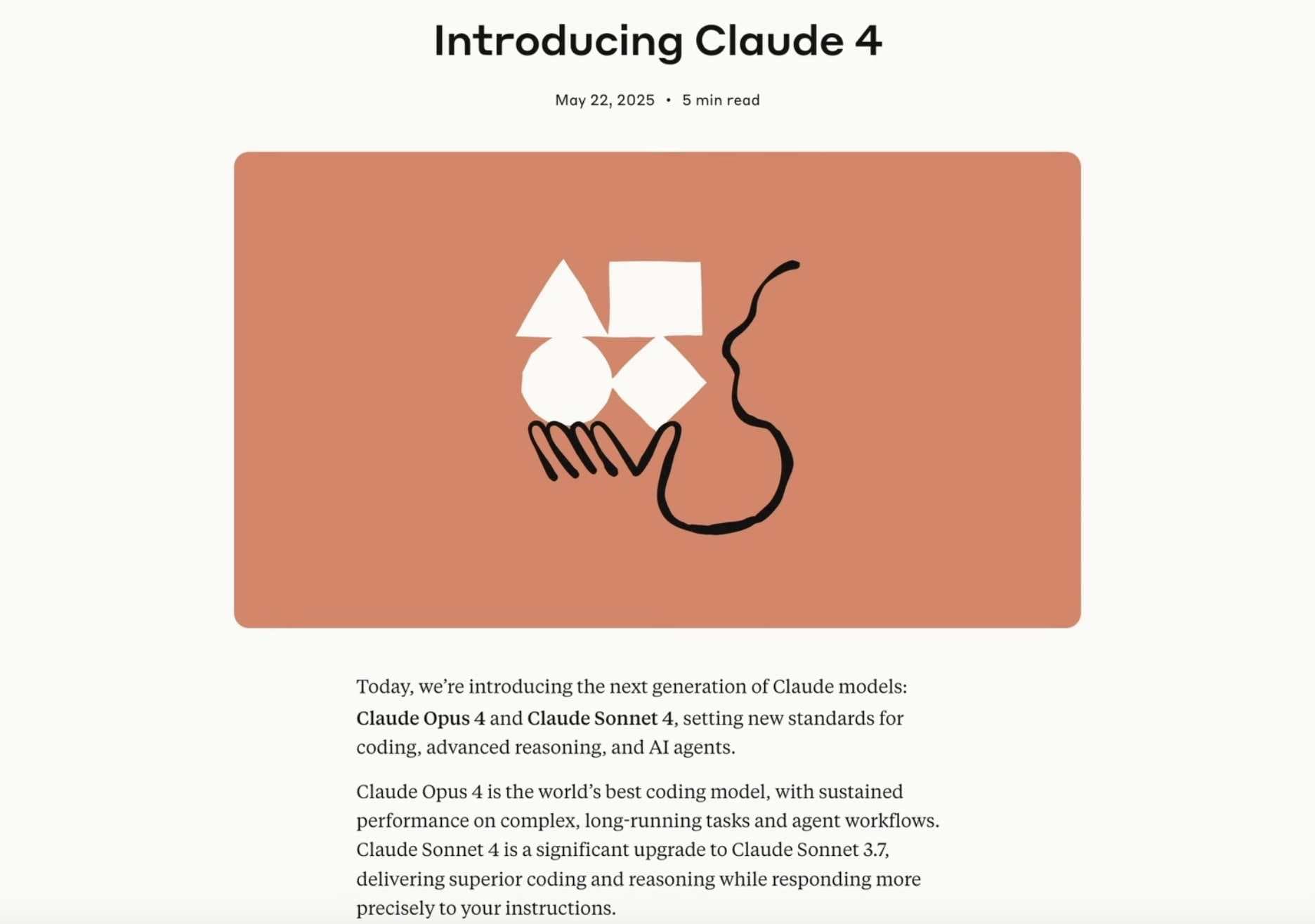
Best for: Research synthesis, long-form content, policy or compliance-sensitive tasks.
Key Features
- Long-context windows for large documents and multi-section inputs.
- High-quality drafting, editing, and rewriting for clarity.
- Structured outputs with strong adherence to instructions.
- Careful safety alignment to minimize risky generations.
- Robust summarization and analysis for research-heavy tasks.
Pros
- High-quality writing and editing with coherent long-form outputs.
- Strong long-context handling for large documents and transcripts.
- Careful safety alignment and conservative response style.
- Excellent for analysis, summarization, and structured planning.
Cons
- Smaller plugin/tool ecosystem compared to OpenAI.
- External tool use and automation options are more limited.
- Pricing and quotas vary; regional availability may be uneven.
3) Gemini 3.0 (Google)
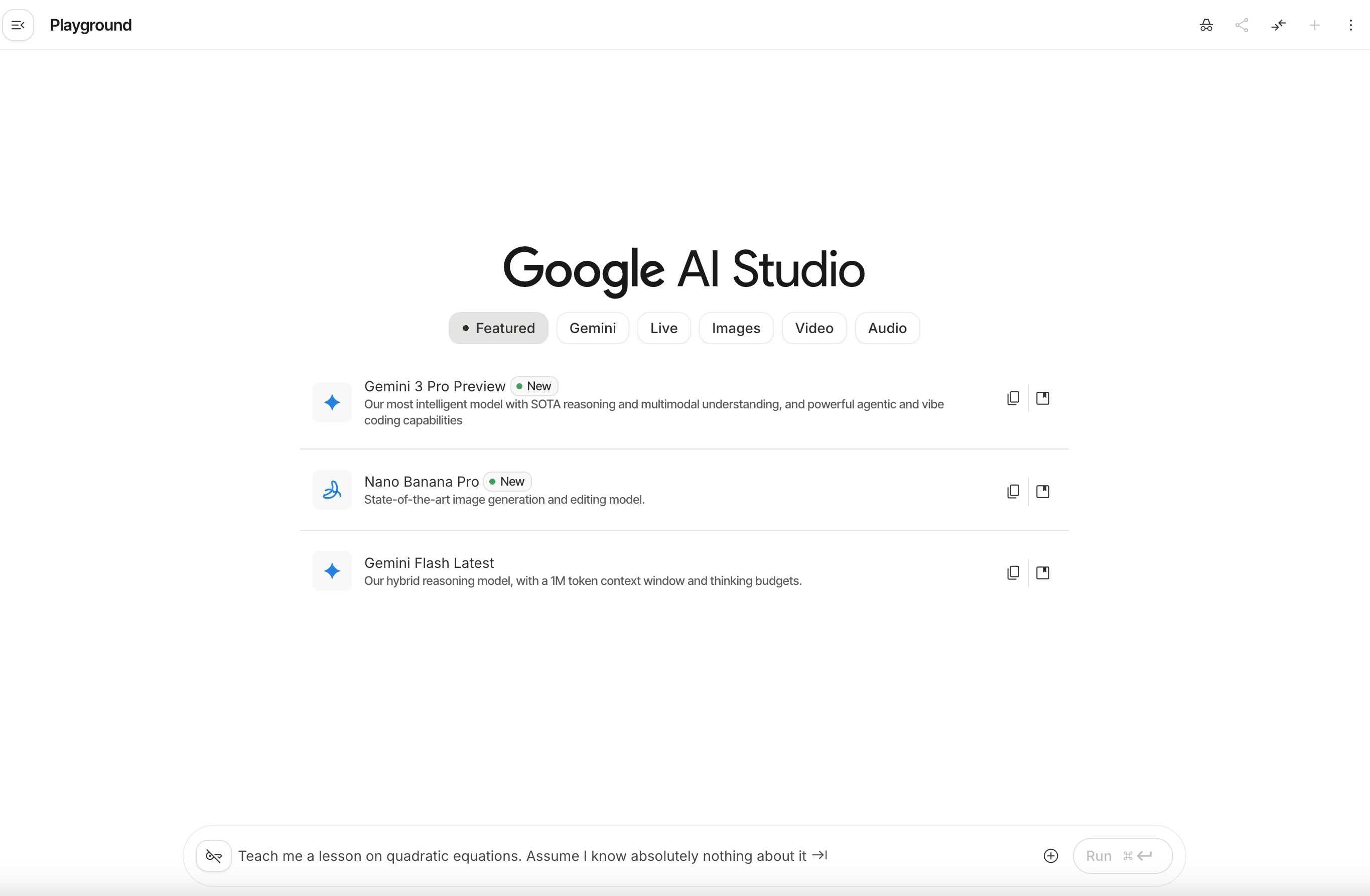
Best for: Knowledge tasks, web-connected assistants, and workflows anchored in Google products.
Key Features
- Native integrations with Google Workspace (Docs, Sheets, Drive).
- Strong web search and retrieval for fresh, grounded answers.
- Multimodal understanding for images and mixed content.
- Extensions for connecting to third-party services.
- Prompting patterns optimized for knowledge tasks.
Pros
- Deep integrations with Google Search, Docs, Sheets, and Drive.
- Strong multimodal understanding of text, images, and web content.
- Good retrieval capabilities for knowledge-centric workflows.
Cons
- Quality can fluctuate; behavior may change as features evolve.
- API surface and quotas may shift with rapid product updates.
- Limited customization compared to open-source alternatives.
4) Llama‑3.x Assistants (Meta, OSS)
Best for: Privacy-focused teams, on-prem setups, and tailored domain assistants.
Key Features
- Open-source weights enabling local and private deployments.
- Fine-tuning and adapters for domain-specific performance.
- Hardware flexibility: run on GPUs or optimized CPU backends.
- Integrations with vector databases and RAG pipelines.
- Transparent model behavior and tunable prompts.
Pros
- Open-source flexibility with local or private deployment options.
- Customizable via fine-tuning and prompt engineering for domains.
- Cost control and data residency by running on owned infrastructure.
- Growing community and tooling around OSS model ecosystems.
Cons
- Requires infrastructure and operational maturity to manage.
- Quality depends on model size, tuning, and hardware resources.
- Tooling maturity varies; more engineering effort is often needed.
5) Perplexity AI (Answer Engine)
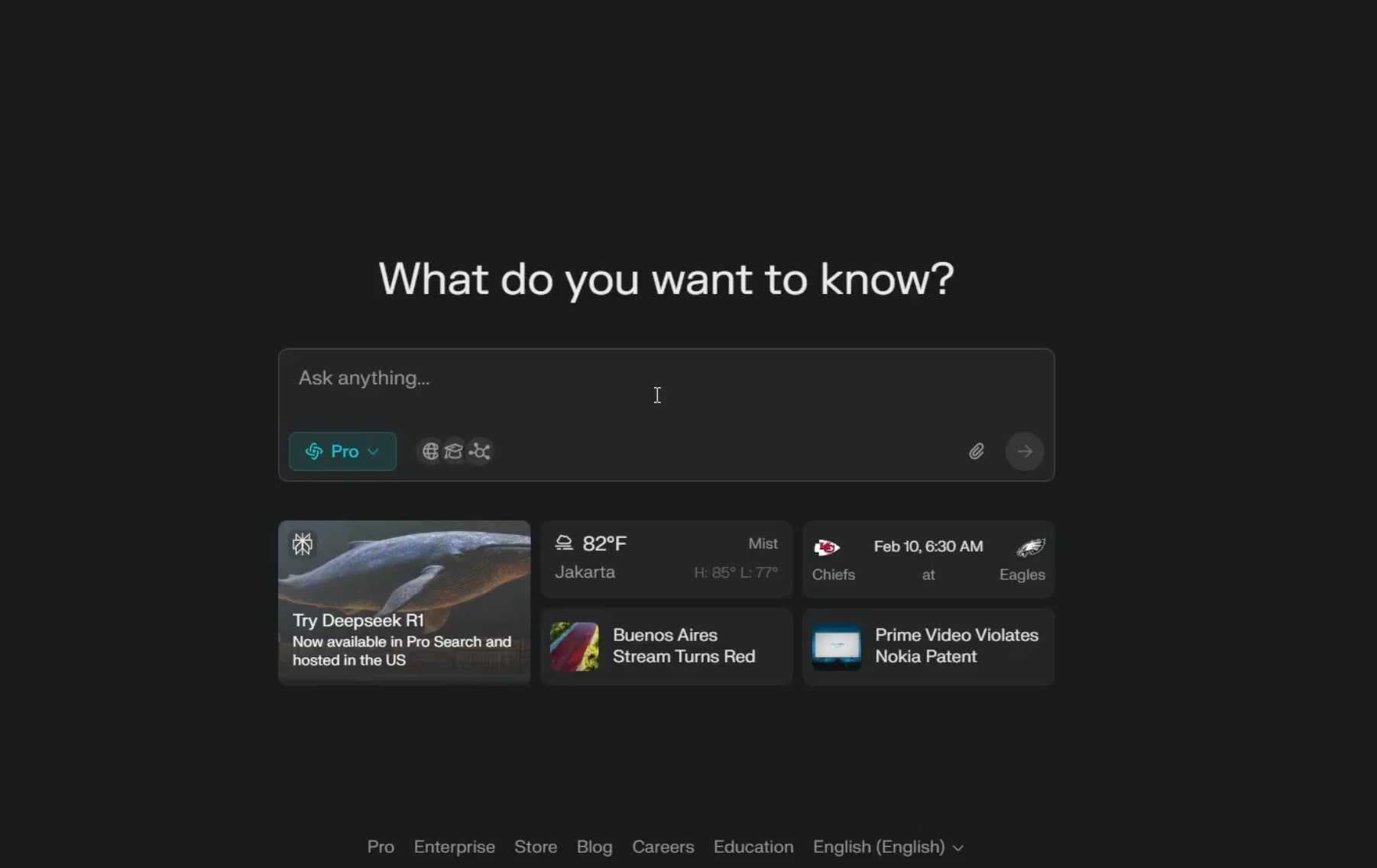
Best for: Research-heavy tasks, source-backed overviews, and exploration.
Key Features
- Live web retrieval with inline citations and sources.
- Follow-up queries to refine and expand research paths.
- Shareable links for collaboration and auditability.
- Concise, focused answering tailored to research needs.
Pros
- Fast retrieval with citations for credible, source-backed answers.
- Concise, focused outputs ideal for quick research and summaries.
- Easy link sharing for collaboration and knowledge transfer.
Cons
- Less suited for creative generation or complex tool use.
- Web dependency may limit access to paywalled or private content.
- Limited automation and coding integrations compared to general LLMs.
How to Choose the Best AI Chatbot
- Define tasks: conversation, research, coding, customer support, or automation.
- Evaluate context length, reasoning quality, and tool/plugin support.
- Check reliability: grounding, citations, and factuality for your domain.
- Assess privacy/security: data residency, redaction, local/OSS options.
- Plan cost: pricing tiers, rate limits, and expected monthly usage.
- Verify integrations: SDKs, workflows, and ecosystem maturity.
- Trial with real prompts: measure speed, quality, and failure modes.
Quick Picks
- Best overall: ChatGPT
- Best writing & analysis: Claude 3.5
- Best web-connected workflows: Gemini 2.0
- Best privacy & customization: Llama‑3.x assistants
- Best rapid research with sources: Perplexity AI
Conclusion
Start with the chatbot that aligns with your workflow, validate on real tasks, and keep a fallback option when reliability matters. With the right choice and integrations, AI chatbots can meaningfully accelerate research, creation, and support in 2025.
Try Transcript In Progress
Quickly extract, translate, and export YouTube subtitles. Generate clean TXT/SRT/VTT in seconds — no login required.