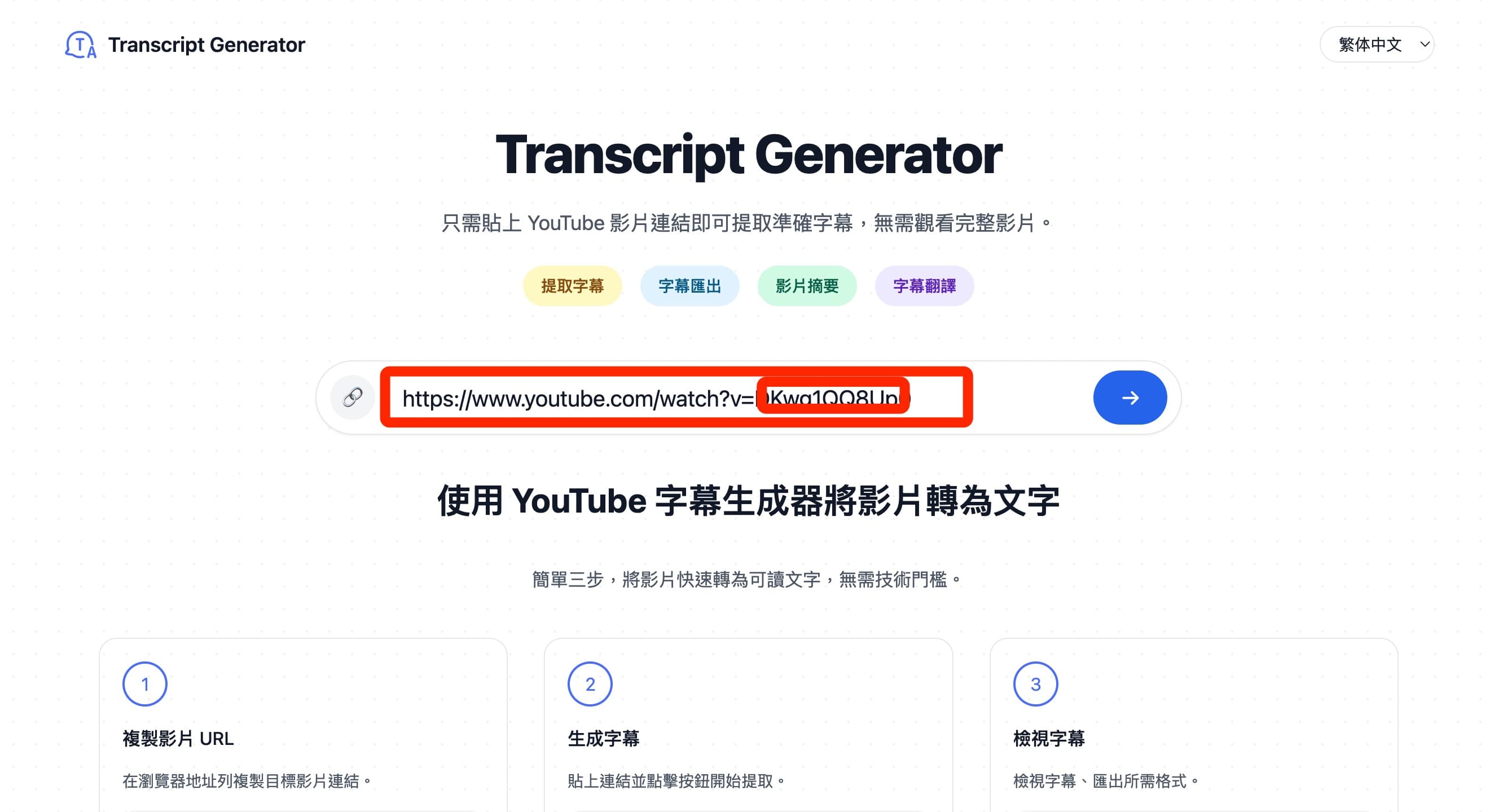
Gemini vs Copilot: A Quick Comparison Guide (2025)
2025-12-06
A concise, image-rich comparison to help you choose between Google Gemini and GitHub Copilot for everyday use, coding, and research.
Overview
- Gemini: Google’s multimodal assistant integrated with Search and Workspace; strong for knowledge tasks and web-connected workflows.
- Copilot: AI pair-programmer by GitHub/Microsoft; excels at inline code suggestions and developer productivity.
Gemini — Strengths and Limitations
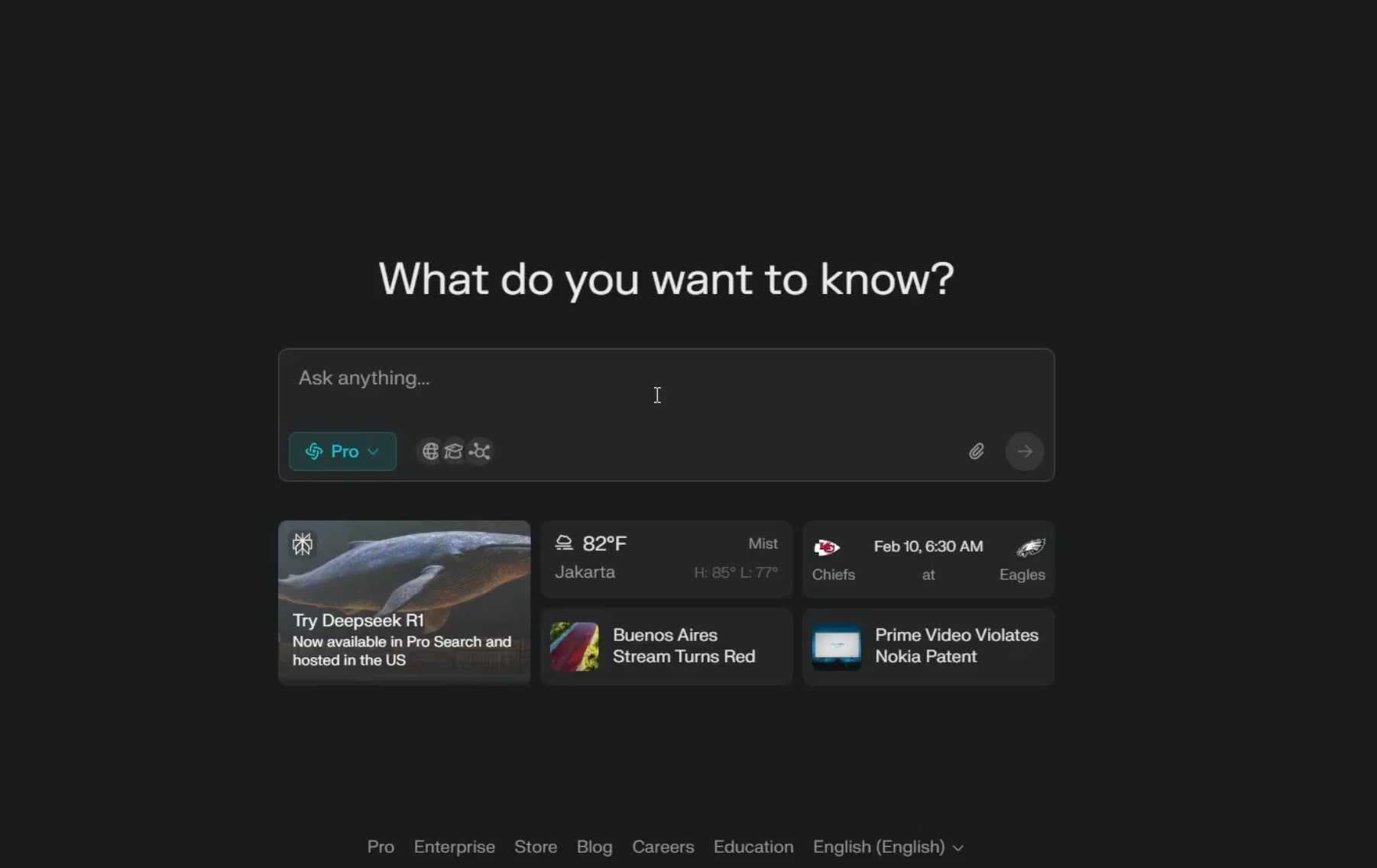
Key Features
- Native integrations with Google Workspace (Docs, Sheets, Drive).
- Strong web search and retrieval with grounded, fresh answers.
- Multimodal understanding for text and images.
- Extensions for connecting to third-party services.
Pros
- Great for knowledge tasks and web-connected assistants.
- Convenient if your team lives in Google Workspace.
- Solid retrieval; good for source-backed summaries.
Cons
- Quality can fluctuate as features evolve rapidly.
- Less customization than open-source alternatives.
- Development tooling is improving but less focused than Copilot.
Copilot — Strengths and Limitations
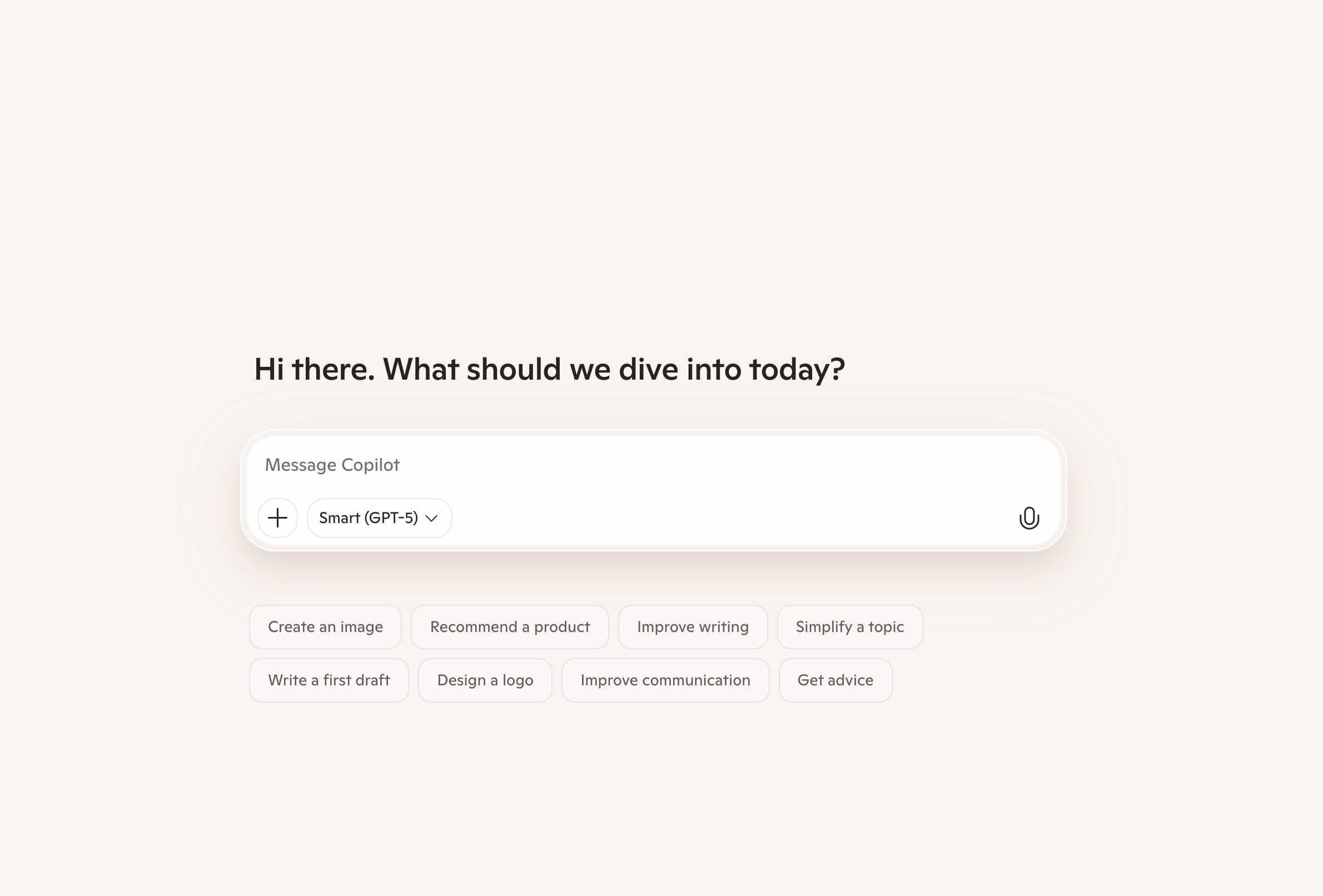
Key Features
- Inline code completions in VS Code, JetBrains, and more.
- Chat-driven refactors, fixes, and test generation.
- Repository-aware context for better suggestions.
- Integrations with GitHub Actions and dev workflows.
Pros
- Excellent for daily coding and productivity boosts.
- Strong IDE integration with minimal friction.
- Accelerates boilerplate, patterns, and routine tasks.
Cons
- Not a general research assistant; limited web grounding.
- Quality depends on repository context and prompt quality.
- May introduce subtle bugs; review and tests remain essential.
Which Should You Choose?
- For coding productivity: Copilot.
- For research and knowledge tasks: Gemini.
- For teams in Google Workspace: Gemini.
- For dev-centric workflows and IDE use: Copilot.
Quick Summary
- Gemini: web-connected assistant with strong retrieval and Workspace integrations.
- Copilot: developer-first coding assistant that speeds up implementation.
Try Transcript In Progress
Quickly extract, translate, and export YouTube subtitles as clean TXT/SRT/VTT. Perfect for research notes and content workflows.